PIXEL PALETTE PRO - THE Authentic Pixel Art Making Tool
A downloadable tool
What is Pixel Palette Pro?
Pixel Palette Pro is a pixel sprite editor that locks your palette to a real retro console's color capability, so what you draw could actually run on the hardware you're drawing for. Pick a system, NES, SNES, Genesis, Game Boy, GBA, and every pixel you lay down snaps into that machine's gamut. No more "authentic" sprites that quietly use three hundred colors the console never had.
I build games and I needed a sprite tool for my own asset pipeline that put hardware-accurate palettes first instead of buried in a settings menu. I couldn't find it, so I made it. This is the editor I use to make my own game art, I'm selling the tool I already rely on, this is not a side experiment.
- No subscription.
- No DRM.
- No account.
- No phone-home, no analytics, no cloud.
- No AI generation. You draw it, it's yours.
You buy the build, it's yours. You're paying for the ready-to-run binary and to fund the next tool.
---
Core Features
System-Locked Palettes: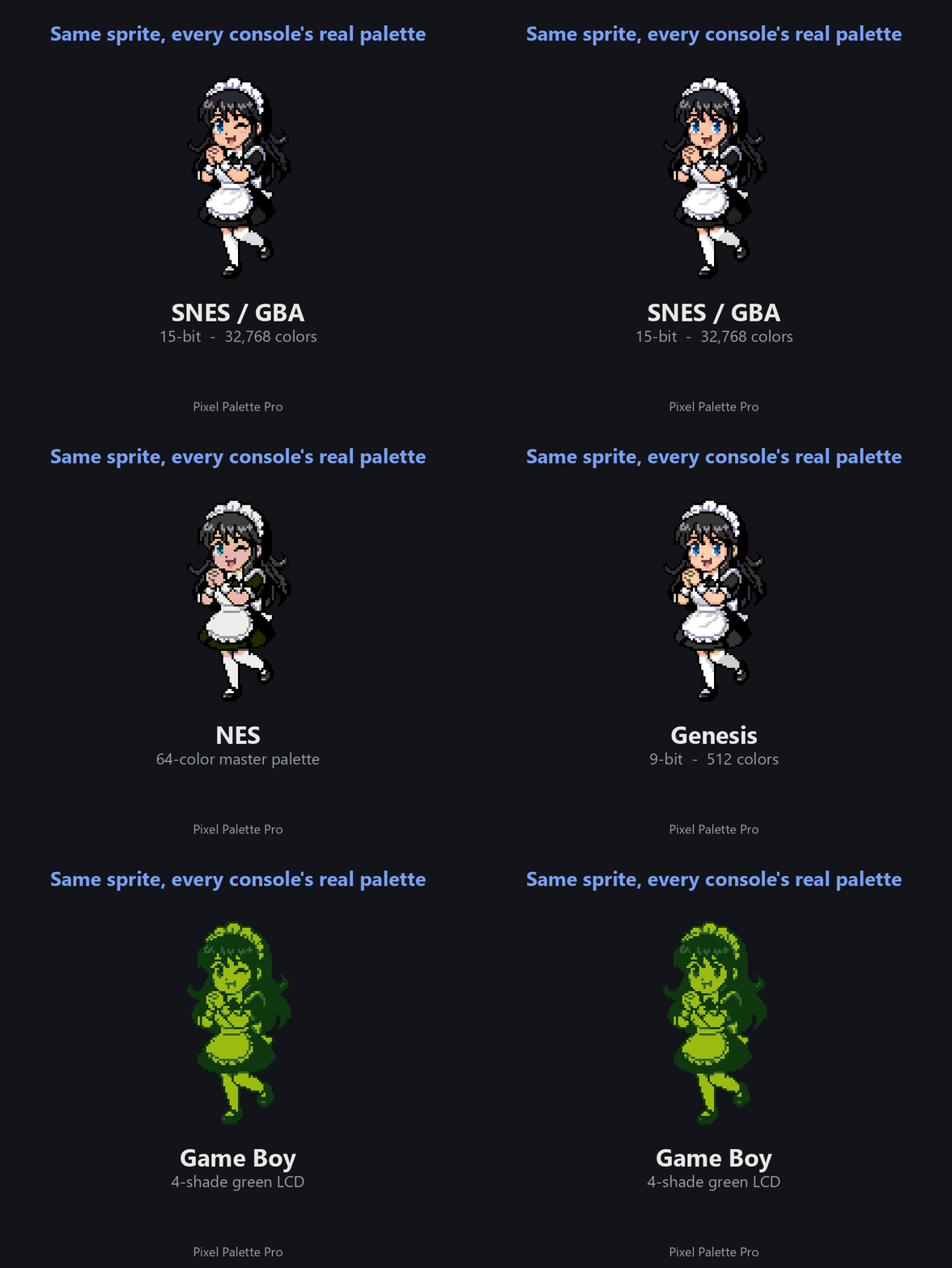
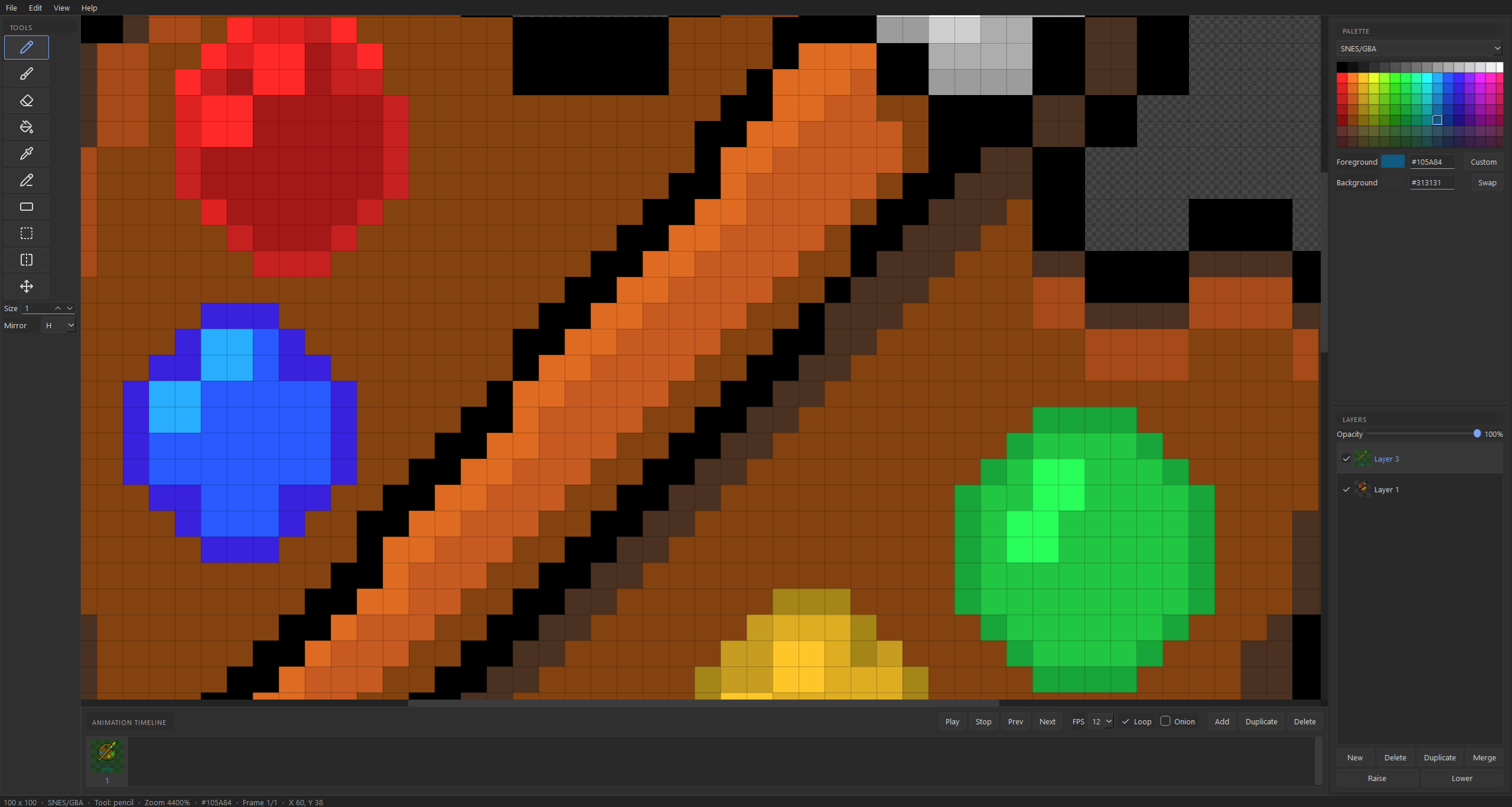
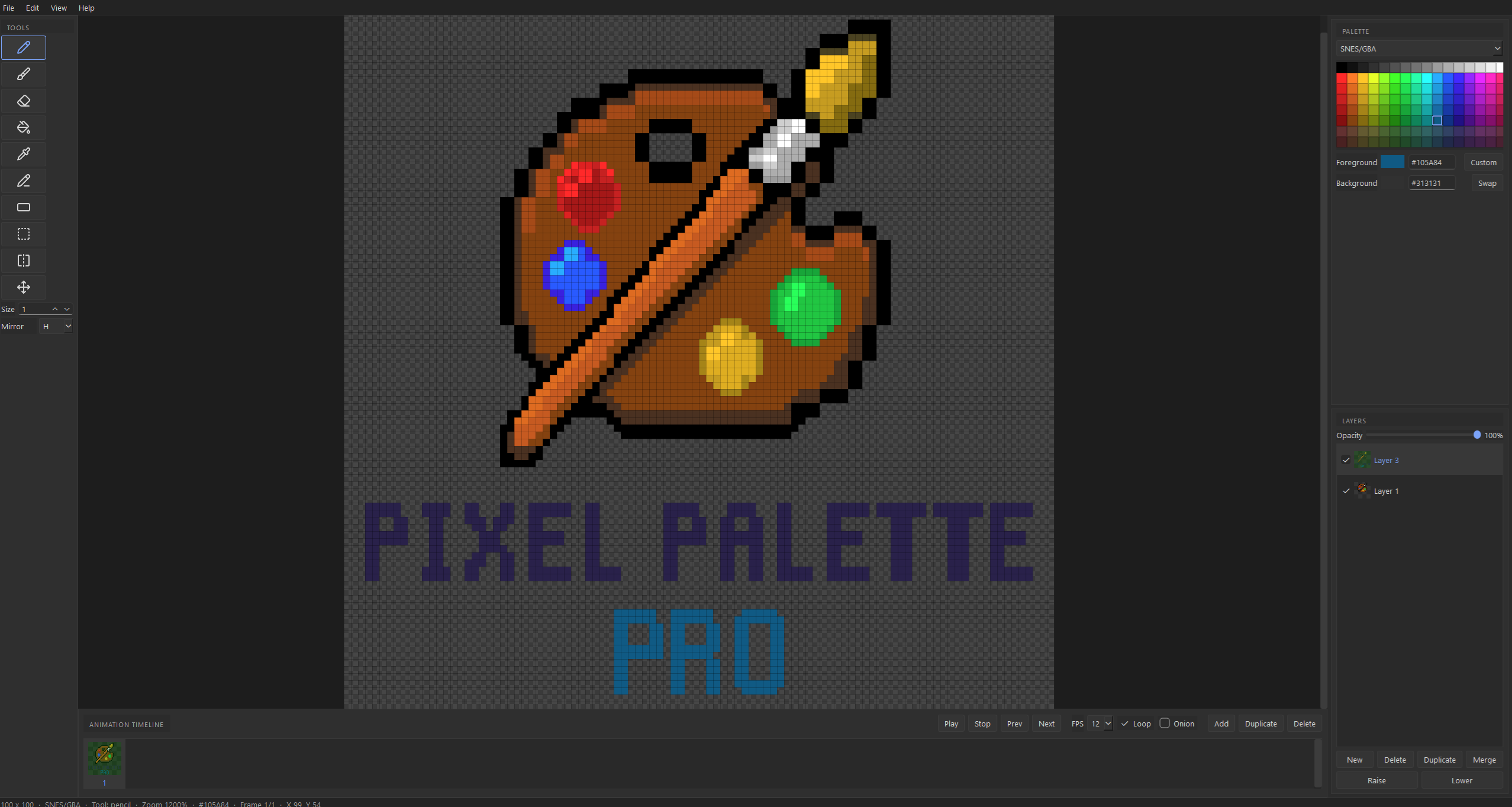
NES (64-color master), SNES / GBA (15-bit, 32,768 colors), Genesis (9-bit, 512 colors), Game Boy (4-shade green). Every painted pixel snaps into the chosen system's gamut. Optional per-sprite color-count limits for true console authenticity.
Full Tool Kit:
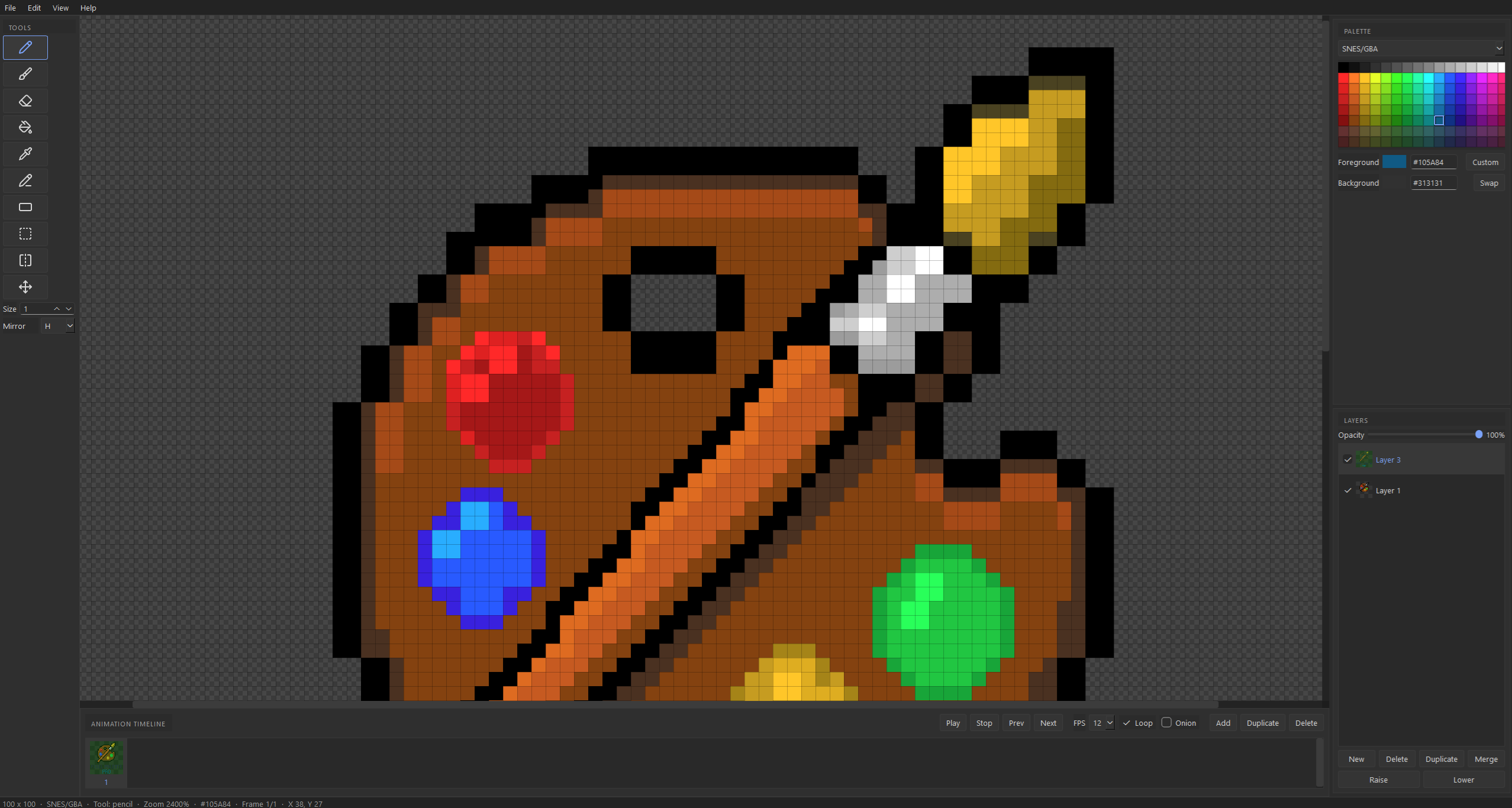
Pencil, sized brush, eraser, fill (contiguous or global), eyedropper, line, rectangle, mirror (horizontal / vertical / both), and rectangular select + move. Foreground/background pair with editable hex and swap.
Photoshop-Style Layers:
Add, delete, duplicate, reorder, merge down, show/hide, per-layer opacity, live composited preview, and thumbnails.
Reference Tracing:
Drop in any image as a floating reference that scales and moves freely, independent of the pixel grid, Alt+drag to position it, Alt+wheel to size it. Set its opacity, put it under or over your art, and bake it into a palette-snapped layer when you want to trace it. Eyedrop straight from the reference and the color snaps to the system's nearest valid one, trace with hardware-accurate colors, not guesses.
Animation Timeline:
Multiple frames, playback at a chosen FPS, loop, onion-skinning of neighboring frames, and frame thumbnails. Preview motion the way it would run on the real machine.
Export That Matters:
Palette-accurate PNG, SVG vector (every pixel a real rectangle, stays knife-sharp at any zoom or print DPI, never blurs), packed sprite sheet, and animated GIF. Atomic .pxpro project save/load that round-trips every layer, frame, and palette choice.
---
Made With Pixel Palette Pro
Every pixel of the SONIKK logo was drawn in Pixel Palette Pro. The tool makes the art on its own store page.
---
Yours to Mod
The build ships its resources as loose files. Swap the tool icons, retint the chrome — edit the `resources/` folder, restart, see your changes. No recompile.
---
No Surveillance. Full Ownership.
We don't know who you are, and we don't want to.
Pixel Palette Pro does not:
- Phone home.
- Send analytics.
- Collect user data.
- Track anything.
It runs fully offline. Once it's downloaded, you never need a connection again. It's your tool, on your machine.
---
System Requirements
- Windows 10 / 11, 64-bit.
- A few hundred MB of disk.
- The build is unsigned, so Windows SmartScreen may warn "unknown publisher" on first run. Click "More info" then "Run anyway." That's the cost of not renting a certificate from an authority.
---
Support the Dev
Bugs / questions: cerealboxgamesdev@gmail.com
Not affiliated with or endorsed by Nintendo, Sega, or any console maker. System names describe color compatibility only.
---
Pixel Palette Pro by CerealBoxGames.
Purchase
In order to download this tool you must purchase it at or above the minimum price of $7.99 USD. You will get access to the following files: